
Once you have a campaign created, you will need to add a landing page to recruit advocates and allow them to send messages to their lawmakers. Simply click the “landing page” button to get started.

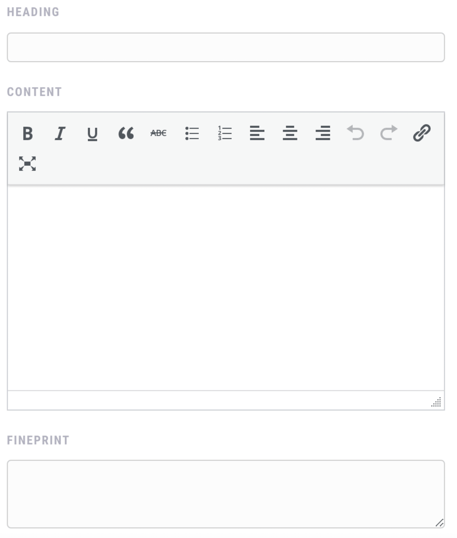
Content
Provide a headline and content for the landing page. Optionally, you can add fineprint or a privacy policy to be displayed below the form.
The content can include links, video, images and HTML code. However, we recommend keeping this section short and compelling to encourage your advocates to take action.
Styles
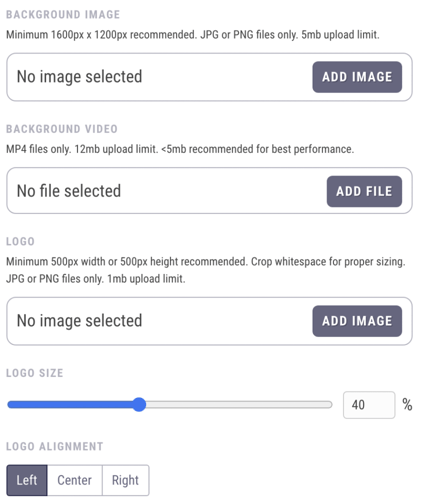
You will then need to upload a background image or video for the page. If using an image, ensure that it is at least 1600×1200 pixels in dimension, a JPG or PNG file, and under 5mb in size. If using a video, the smaller the file size the better. We recommend <5mb but have allowed uploads up to 12mb for your convenience. Note that large files may take a while to load for users with slower connections.
Next, be sure to add a logo for your organization. Use a JPG or PNG file and crop the whitespace around the logo to ensure proper sizing on the form. You can adjust the relative size and alignment of your logo as well.
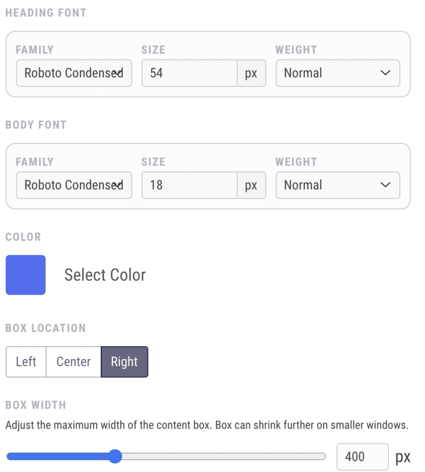
To further brand your form, you can change the heading and body fonts, as well as the primary color (used for the default background, links and the submit button). You can also adjust the location and width of the form box on the screen.
Form
Once the design is set on your landing page, you’ll need to set the message that your advocates will deliver to the campaign’s targeted lawmakers.
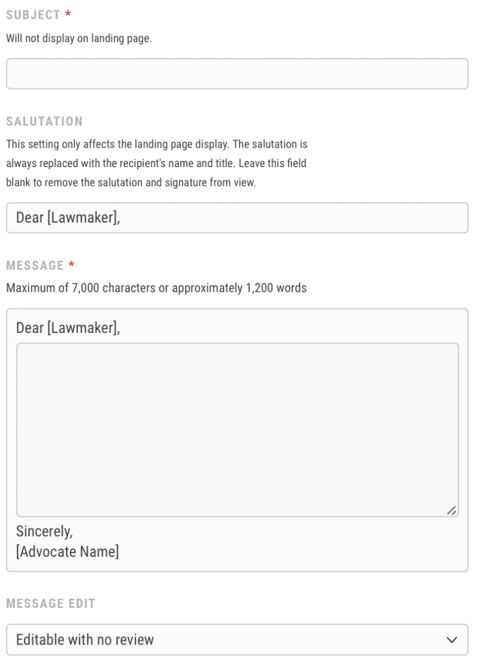
First, set the message subject line. This subject will not be shown on the landing page, but will be viewed by the message recipients, so it should be descriptive and appropriate.
Second, choose the salutation. This serves as a placeholder to show your advocates who they are sending a message to, and lets them know that they won’t need to type their own greeting.
Third, add the message text that you want your advocates to send to their lawmakers. The message can be a maximum length of 7,000 characters (about 1,200 words). However, we recommend a message length of no more than 500 words.
Lastly, decide if you’d like to turn on message editing. By default, advocates can edit their message to lawmakers. If you’d like to approve edited messages before they’re sent to the campaign recipients, you can select “editable with review”. You can also turn off message editing entirely. If you’d like to learn more about these options, check out our Message Review guide.
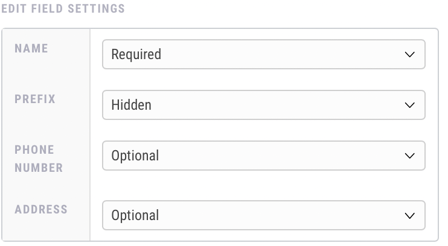
P.S. Looking for form field customization for custom campaigns? Turn on Advanced Field Settings to choose which information fields are required, optional, or removed from landing pages. Please note that this is only available for custom campaigns.
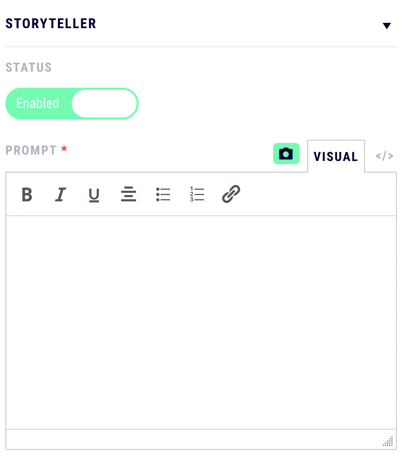
Storyteller
Want to collect video stories and testimonials from your advocates? Storyteller Mode is a landing page add-on that will prompt your advocates to upload a video sharing what your campaign’s topic means to them. Learn more about this optional feature in our Storyteller Mode guide.
Confirmation
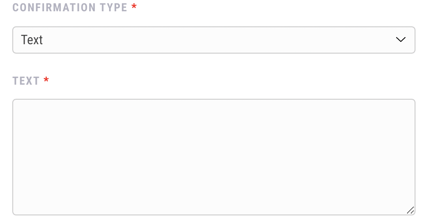
Finally, you can select the Confirmation Type you’d like to show your advocates after they take action. This can either be a message that appears on the Speak4 landing page or you can redirect the person to a new URL once they have filled out the form.
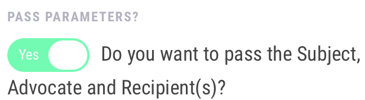
For redirect confirmations, you also have the option of prefilling your advocates’ information on the second website. This could be used to create a chain of advocacy by redirecting advocates to another landing page or sending them to a personalized donation page. Simply enable the “Pass Parameters” toggle, and Speak4 will pass through any data gathered from your landing page in the URL. If you’re interested in more information on prefilling advocate information on landing pages, check out our full-length guide here.
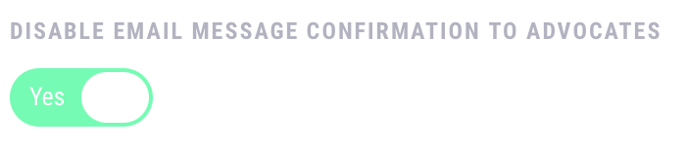
Custom campaigns also have the option of disabling the confirmation email that automatically gets sent to advocates after they send a message.
Tracking Codes and Reporting
After creating your landing page, follow these instructions to add scripts and tracking codes like Google Tag Manager to your account and be sure to learn how to run reports on your campaign’s performance.
Still have questions? Contact us at team@speak4.co.