
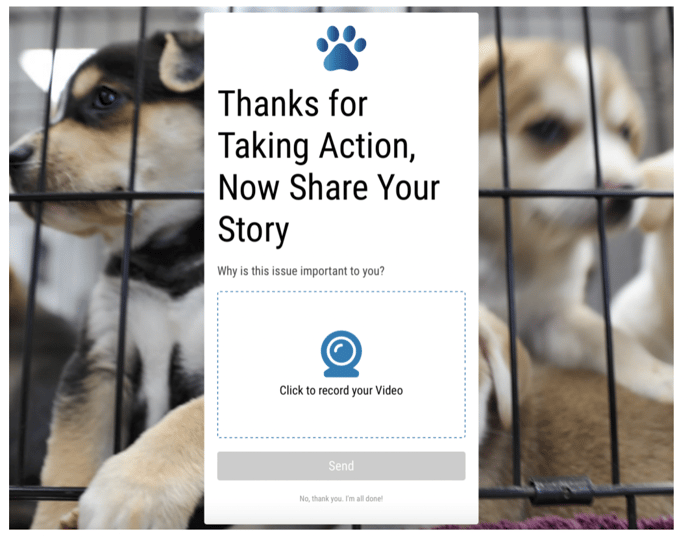
Want to collect video stories and testimonials from your advocates? Storyteller Mode is a landing page add-on that will prompt your advocates to upload a video sharing what your campaign’s topic means to them.
After sending a message to lawmakers, advocates will be prompted to share their story. These videos can then be downloaded and used off-site.
To get started, create a new landing page or edit an existing one. This will take you to the landing page builder. Under “Storyteller”, turn on the status toggle.
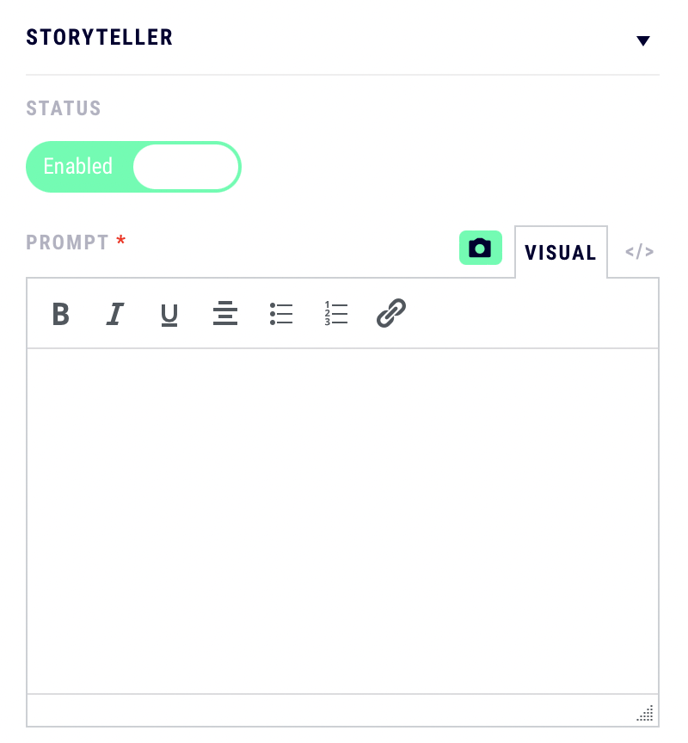
Next, add a text prompt for your advocates. This can be anything you want: as simple as “Share your thoughts”, or add specific questions that you’d like your advocates to address.
Remember to save the page after making any changes.
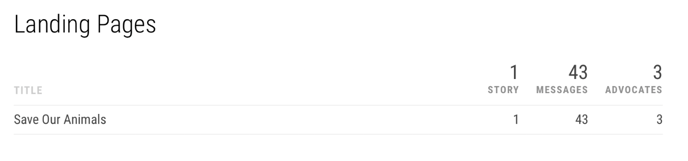
The number of stories that advocates have sent can be found on your dashboard and campaign metrics.
To access your advocates’ stories, navigate to the reports tab. Turn on the “Include Stories” toggle, and click “Download Full Report”.

Your generated report will contain links to each story under the column titled “video_url”. You’ll then be able to download the videos directly and use them off-site.
Still have questions? Contact us at team@speak4.co.